
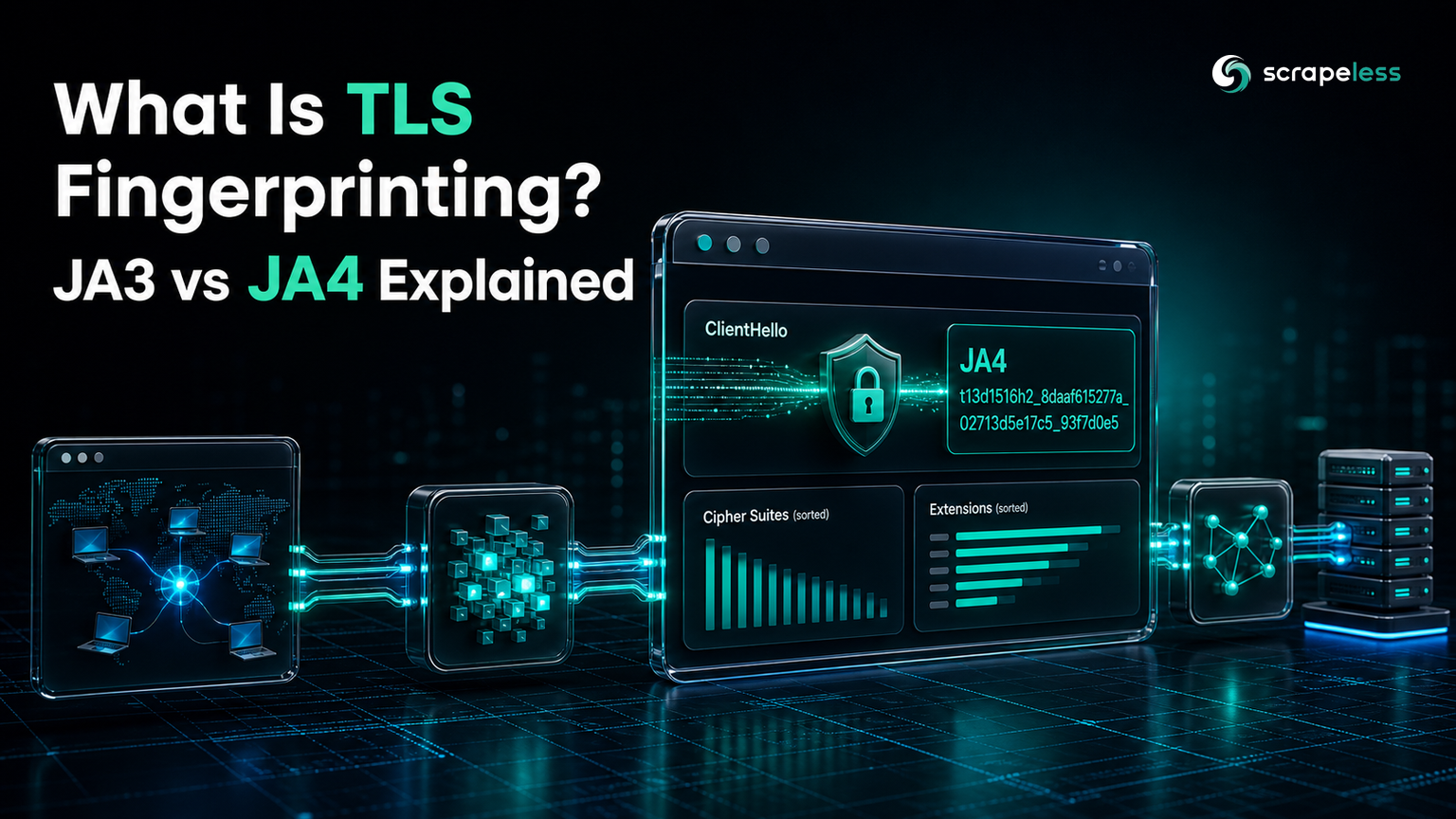
What Is TLS Fingerprinting? JA3 vs JA4 Explained

Specialist in Anti-Bot Strategies
TL;DR:
- TLS fingerprinting identifies the client software from the TLS handshake, before a single byte of HTTP is sent. A server reads the
ClientHello— the TLS versions, cipher suites, and extensions your client offers — and derives a hash that says "this is Chrome" or "this is a Python script." - JA3 was the original method; JA4 is its modern replacement. JA3 (from Salesforce) hashed the raw
ClientHellofields in order, so when Chrome began randomizing its TLS extension order, JA3 hashes became unstable. JA4 sorts the ciphers and extensions first, so the fingerprint stays stable. - JA4 is human-readable, not a single opaque hash. Its
a_b_cformat encodes the TLS version, SNI presence, cipher and extension counts, and ALPN up front, then hashes the sorted cipher and extension lists — so you can match on parts of it, not just the whole. - A custom HTTP client has a non-browser fingerprint.
requests,curl, or a patched library sends a cipher/extension set no real Chrome would, so its JA4 stands out even behind a clean IP. - A real browser is the reliable answer. The Scrapeless Scraping Browser is genuine Chromium, so its
ClientHello— and therefore its JA3/JA4 — is a real Chrome's, indistinguishable from an ordinary visitor's. - Free to start. New Scrapeless accounts include free Scraping Browser runtime — sign up at app.scrapeless.com.
Introduction: the handshake gives you away before HTTP does
TLS fingerprinting identifies the software behind a connection from the way it opens a TLS session, not from anything it sends afterward. Every HTTPS connection starts with a ClientHello message in which the client advertises the TLS versions it supports, the cipher suites it prefers, and a list of extensions. Those choices differ between a real Chrome, a Go program, and a Python script, and a server can hash them into a compact identifier that survives even when the IP, user agent, and cookies look perfectly normal.
That is why a scraper can rotate residential proxies, spoof a Chrome user agent, and still get blocked: the TLS 1.3 handshake it sends never looked like Chrome in the first place. This guide explains what a TLS fingerprint is, how JA3 and JA4 compute one, and why running a real browser is the durable way to present a fingerprint that belongs.
What a TLS fingerprint is built from
A TLS fingerprint is a hash of the fields in the ClientHello, the first message a client sends when it opens a TLS connection. The inputs are stable properties of the client's TLS library and configuration:
- The TLS version offered (for example, TLS 1.2 or 1.3).
- The cipher suites the client supports, in the order it lists them.
- The extensions the client includes (SNI, ALPN, supported groups, signature algorithms, and more).
- The elliptic curves and point formats it advertises.
A browser's TLS stack produces a specific, consistent combination of these values; a scripting library produces a different one. Because the fingerprint is derived from the transport layer, it is independent of headers and cookies — changing your user agent does nothing to it.
JA3: the original TLS fingerprint, and why it broke
JA3 was the first widely adopted TLS fingerprint, published by engineers at Salesforce in 2017. It concatenates five ClientHello fields — TLS version, cipher suites, extensions, elliptic curves, and elliptic-curve point formats — in the order they appear, then takes the MD5 of that string, ignoring GREASE values reserved by the TLS spec.
The order-dependence became JA3's weakness. In 2023, Chrome began randomizing the order of its TLS extensions on every connection, so a single Chrome install produced a different JA3 hash from one request to the next. A fingerprint that changes every connection is useless for identifying a client, so detection vendors needed a method that did not depend on ordering.
JA4: the modern, order-stable replacement
JA4 is the TLS-client fingerprint in JA4+, a suite of network fingerprinting methods created by John Althouse at FoxIO. Its defining move is to sort the ciphers and extensions before hashing, which makes the fingerprint stable even against Chrome's extension-order randomization. It is also human-readable: the fingerprint is laid out in three sections in an a_b_c format, so analysts can match on any section rather than one opaque hash.
Take the example fingerprint JA4=t13d1516h2_8daaf6152771_02713d6af862:
- The
asection —t13d1516h2is readable metadata.tis the transport (tfor TLS over TCP,qfor QUIC,dfor DTLS);13is the TLS version (1.3);dmeans an SNI domain is present (iwould mean no SNI or an IP);15is the cipher-suite count and16the extension count, both excluding GREASE; andh2is the first and last character of the first ALPN value. - The
bsection —8daaf6152771is a 12-character truncated SHA-256 of the cipher suites, converted to hex and sorted. - The
csection is a 12-character truncated SHA-256 of the extensions sorted by hex value, followed by the signature algorithms. The SNI and ALPN extensions are removed from this calculation, so the same client keeps the samecsection whether it connects to a domain or an IP.
Sorting is what defeats the randomization that broke JA3: reorder Chrome's extensions all you like, and the sorted list — and therefore the JA4 — is identical.
The JA4+ suite is more than TLS
JA4 fingerprints the TLS client, but it is one member of a larger family. The broader JA4+ fingerprinting suite covers several layers of a connection, including:
| Fingerprint | Short name | What it identifies |
|---|---|---|
| JA4 | JA4 | TLS client |
| JA4Server | JA4S | TLS server response |
| JA4HTTP | JA4H | HTTP client |
| JA4X509 | JA4X | X.509 TLS certificate |
| JA4SSH | JA4SSH | SSH traffic |
| JA4TCP | JA4T | TCP client |
| JA4Latency | JA4L | Client-to-server latency |
The JA4 TLS-client method is released under a BSD 3-Clause license; the rest of the JA4+ methods are under the FoxIO License 1.1 and are patent pending. For a scraper, JA4 (TLS) and JA4H (HTTP) are the two that most often decide whether a request is treated as a browser or a bot.
Why TLS fingerprinting blocks scrapers
TLS fingerprinting blocks a scraper because the request never presented a browser's fingerprint to begin with. An HTTP client like requests, httpx, curl, or a stealth-patched library negotiates TLS with its own library's cipher and extension set — one that no real Chrome or Firefox produces. The resulting JA4 lands on a known non-browser value, and the server can refuse or challenge the connection regardless of how convincing the headers are.
This is the layer that user-agent spoofing and proxy rotation cannot reach. You can send Mozilla/5.0 (… Chrome/126 …) from a residential IP and still be flagged, because the TLS handshake underneath was generated by OpenSSL or Go's crypto/tls, not by Chrome. Matching a browser's JA4 by hand means reproducing its exact cipher order, extension set, and ALPN — and then keeping up as the browser changes them.
How to present an authentic TLS fingerprint
The reliable way to present a browser's JA4 is to actually be a browser. The Scrapeless Scraping Browser is real, self-developed Chromium, so it negotiates TLS with Chrome's own stack. Its ClientHello — and therefore its JA3 and JA4 — is a genuine Chrome's, which is exactly what a fingerprinting server expects from an ordinary visitor. For scraping specifically, it brings:
- A real Chromium TLS stack — the cipher suites, extensions, and ALPN come from Chrome, so the JA4 matches a real browser rather than a scripting library.
- A consistent per-session fingerprint across the TLS and browser layers, with no
navigator.webdrivertell to contradict it. - Residential egress in 195 countries, so the IP reputation matches the browser fingerprint instead of exposing a datacenter address.
Get your API key on the free plan at app.scrapeless.com.
Get your API key on the free plan: app.scrapeless.com
Conclusion: the fingerprint has to belong, not just look right
TLS fingerprinting reads the client from its handshake, so the only durable answer is a handshake that genuinely belongs to a browser. JA3 hashed the raw ClientHello and broke when Chrome randomized its extension order; JA4 sorts the ciphers and extensions and stays stable, which is why it is now the fingerprint scrapers run into. A patched HTTP client can spoof headers and rotate IPs and still fail at the TLS layer. Running real Chromium — with a Chrome TLS stack, a consistent fingerprint, and residential egress — presents a JA4 that matches an ordinary visitor. This piece stays on the mechanism: for the operational workflow of routing a scraping stack through that browser, see the guide to clearing TLS fingerprint checks; for a related layer of anti-detection, see the Scrapling production-scraper guide, and compare plans on the Scrapeless pricing page.
Ready to Present a Browser-Grade TLS Fingerprint?
Join our community to claim a free plan and connect with developers working around fingerprint-based detection: Discord · Telegram.
Sign up at app.scrapeless.com for free Scraping Browser runtime and let real Chromium present the TLS fingerprint your targets expect.
FAQ
Q: What is the difference between JA3 and JA4?
JA3 is an MD5 hash of the ClientHello fields in their original order; JA4 sorts the cipher suites and extensions before hashing and adds a readable metadata prefix. Sorting makes JA4 stable against the TLS extension-order randomization that made JA3 hashes change from connection to connection.
Q: Can I change my TLS fingerprint by changing my user agent?
No. The user agent is an HTTP header sent after the TLS handshake; the TLS fingerprint is derived from the handshake itself. They are independent layers, which is why a spoofed user agent does nothing to your JA3 or JA4.
Q: Why does my scraper get blocked even with residential proxies?
A residential IP fixes the network layer, but if your HTTP client negotiates TLS with a non-browser cipher and extension set, its JA4 still identifies it as a script. The fingerprint and the IP have to agree.
Q: Does the Scrapeless Scraping Browser change my JA4 to fake Chrome?
It does not fake anything — it is real Chromium, so it negotiates TLS with Chrome's actual stack. The JA3/JA4 it presents is a genuine Chrome's because the handshake genuinely came from Chrome.
Q: Is TLS fingerprinting the same as browser fingerprinting?
No. TLS fingerprinting reads the transport handshake (ciphers, extensions, ALPN); browser fingerprinting reads properties inside the page (canvas, fonts, navigator values). A convincing session needs both to look like a real browser.
At Scrapeless, we only access publicly available data while strictly complying with applicable laws, regulations, and website privacy policies. The content in this blog is for demonstration purposes only and does not involve any illegal or infringing activities. We make no guarantees and disclaim all liability for the use of information from this blog or third-party links. Before engaging in any scraping activities, consult your legal advisor and review the target website's terms of service or obtain the necessary permissions.





