
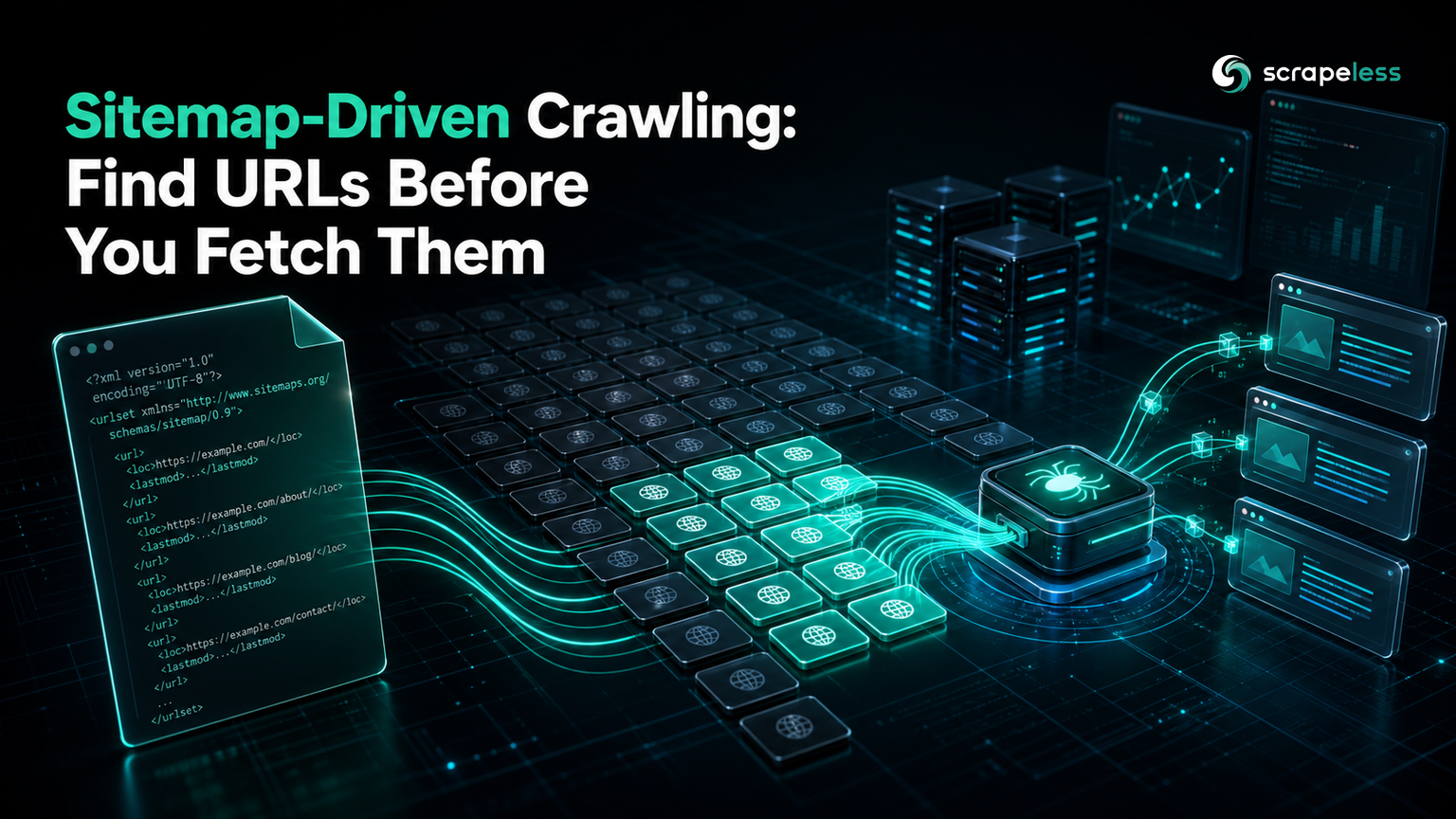
Sitemap-Driven Crawling: Find URLs Before You Fetch Them

Scraping and Proxy Management Expert
TL;DR:
- Most crawlers discover URLs by following links, which means fetching pages you do not want so you can find the ones you do.
- A sitemap hands you the list up front: one HTTP request returns every URL the site wants indexed, already deduplicated by the publisher.
- Filtering a real sitemap in this guide cut 7,577 entries down to the 597 that matched the target section, before a single page was fetched.
- Set an explicit crawl budget from that list rather than crawling until something stops you — the bound belongs in the code, not in your intentions.
- Only render JavaScript when the data needs it; the pages in this walkthrough serve their titles server-side, so a non-rendered fetch is faster and returns the same field.
- Start on the Scrapeless free plan and point the discovery step at a sitemap you are allowed to crawl.
Link-following crawlers work, and they are wasteful. To reach a site's article pages you fetch the homepage, category listings, pagination, tag pages, and whatever else sits between the entry point and the content — then throw most of it away.
A sitemap skips that. It is a list of URLs the publisher explicitly wants discovered, which makes it both the cheapest discovery mechanism available and the one least likely to annoy anyone.
What a Sitemap Gives You
A sitemap is an XML file listing a site's URLs, defined by the Sitemaps protocol. Two shapes exist and you have to handle both:
- A urlset contains
<url><loc>entries pointing at pages. - A sitemapindex contains
<sitemap><loc>entries pointing at other sitemaps, used when a site exceeds the protocol's 50,000-URL or 50 MB limit per file.
Both use the same <loc> element, which is why the parser below reads <loc> and then decides what it is looking at. Sitemaps are also commonly served gzipped, so a fetcher should handle that transparently.
Where to find one: check /sitemap.xml first, then the Sitemap: directive inside robots.txt, which the Robots Exclusion Protocol standard defines as the canonical place to advertise it.
Prerequisites
- Python 3.9 or later. The discovery step uses only the standard library.
- A Scrapeless API key for the fetch step:
bash
export SCRAPELESS_API_KEY="your_api_key_here"The examples below point at the Scrapeless sitemap, so the walkthrough is safe to run exactly as written. Swap in a sitemap you are permitted to crawl when you adapt it.
Discover and Filter
One request, then filtering in memory. Nothing is fetched from the site yet:
python
import gzip, re, urllib.request

SITEMAP = "https://www.scrapeless.com/sitemap.xml"
LOC_RE = re.compile(r"<loc>\s*([^<\s]+)\s*</loc>", re.I)

def fetch_xml(url: str) -> str:
    req = urllib.request.Request(url, headers={"User-Agent": "sitemap-demo/1.0"})
    with urllib.request.urlopen(req, timeout=60) as r:
        raw = r.read()
    if url.endswith(".gz") or raw[:2] == b"\x1f\x8b":
        raw = gzip.decompress(raw)
    return raw.decode("utf-8", errors="replace")

xml = fetch_xml(SITEMAP)
is_index = "<sitemapindex" in xml.lower()
urls = LOC_RE.findall(xml)

print(f"document type: {'sitemap index' if is_index else 'url set'}")
print(f"total <loc> entries: {len(urls)}")

blog = sorted({u for u in urls if "/en/blog/" in u})
print(f"filtered to /en/blog/: {len(blog)}")
print(f"first: {blog[0]}")
text
document type: url set
total <loc> entries: 7,577
filtered to /en/blog/: 597
first: https://www.scrapeless.com/en/blog/10-best-no-code-web-scrapers
That is the whole argument for this approach: 7,577 URLs enumerated and narrowed to 597 relevant ones, at a cost of one request. A link-following crawler would have fetched hundreds of pages to reach the same list, and would still have missed anything not linked from a path it happened to walk.
Three details in that code carry weight.
The gzip check inspects the magic bytes rather than trusting the file extension, because plenty of servers return gzipped content from a .xml URL. The two-byte \x1f\x8b signature it looks for is the header defined in the GZIP file format specification.
sorted({...}) is a set comprehension, so duplicate URLs collapse before you count them. Sitemaps do contain duplicates, particularly when a site is stitched together from several generators.
Detecting <sitemapindex> matters because an index means the <loc> values you just collected are more sitemaps, not pages. If is_index is true, fetch each of those and repeat before treating anything as a page URL.
Set an Explicit Budget, Then Fetch
Discovery is cheap; fetching is not. The number of pages you will retrieve should be a constant in the code, not an emergent property of how long the loop runs:
python
import json, os, re, urllib.request

SITEMAP = "https://www.scrapeless.com/sitemap.xml"
API = "https://api.scrapeless.com/api/v2/unlocker/request"
LOC_RE = re.compile(r"<loc>\s*([^<\s]+)\s*</loc>", re.I)
TITLE_RE = re.compile(r"<title[^>]*>(.*?)</title>", re.S | re.I)

def fetch_sitemap(url: str) -> str:
    req = urllib.request.Request(url, headers={"User-Agent": "sitemap-demo/1.0"})
    with urllib.request.urlopen(req, timeout=60) as r:
        return r.read().decode("utf-8", errors="replace")

def fetch_page(url: str) -> str:
    body = json.dumps({
        "actor": "unlocker.webunlocker",
        "input": {"url": url, "js_render": False},
    }).encode()
    req = urllib.request.Request(API, data=body, headers={
        "x-api-token": os.environ["SCRAPELESS_API_KEY"],
        "Content-Type": "application/json",
    })
    with urllib.request.urlopen(req, timeout=180) as r:
        return json.loads(r.read())["data"]

urls = sorted({u for u in LOC_RE.findall(fetch_sitemap(SITEMAP)) if "/en/blog/" in u})
print(f"candidates after filter and dedupe: {len(urls)}")

BUDGET = 3
print(f"crawl budget: {BUDGET}")

for url in urls[:BUDGET]:
    html = fetch_page(url)
    m = TITLE_RE.search(html)
    title = re.sub(r"<[^>]+>", "", m.group(1)).strip() if m else "(no title)"
    print(f"  {url.rsplit('/', 1)[-1]} -> {title}")
text
candidates after filter and dedupe: 597
crawl budget: 3
  10-best-no-code-web-scrapers -> 10 Best No-Code Web Scrapers for Effortless Data Extraction in 2025
  20-ways-for-web-scraping-without-getting-blocked -> 20 Ways for Web Scraping Without Getting Blocked
  403-web-scraping -> Error 403 in Web Scraping: 10 Easy Solutions to Fix Forbidden Requests
BUDGET is a named constant applied with a slice. That is deliberate: a crawler whose stopping condition is "the list ran out" behaves very differently on a few-hundred-URL section than on one with tens of thousands, and the difference only shows up in production.
Note js_render is set to False. These pages serve their <title> in the initial HTML, so rendering would add cost and latency for a field that is already there. Render when the data you need is written into the DOM by a script — not by default. The Scrapeless Universal Scraping API handles both, and the JS rendering guide covers how to tell which case you are in.
The URL count is a snapshot. A sitemap is a live document, so re-running discovery on a different day returns a different number — that is the point of reading it each run rather than hard-coding a list.
Troubleshooting
/sitemap.xml returns 404. Read robots.txt and look for a Sitemap: line, which may point somewhere else entirely. Some sites publish one only there; some publish none at all, in which case link-following is your remaining option.
The parser returns zero URLs from a valid-looking file. Check whether the response was gzipped and not decompressed — the magic-byte check above handles the common case. Also confirm you fetched XML and not an HTML error page, which is what a redirect to a friendly 404 produces.
Counts look far too low. The document is probably a sitemap index. Every <loc> in it is another sitemap to fetch, and the page URLs are one level down.
Entries point at URLs that no longer exist. Sitemaps are generated, and generators lag. Treat the list as candidates rather than guarantees, and expect some entries to return 404.
Check the site's terms and its robots.txt before crawling anything, keep collection to public pages, and keep the budget proportionate to what the site can comfortably serve. A sitemap tells you what a publisher is willing to have indexed; it is not a licence to fetch all of it as fast as you can.
Conclusion
Sitemap-driven crawling replaces the most wasteful part of a crawler — discovery — with a single request. In this walkthrough that meant enumerating 7,577 URLs, narrowing to the 597 that mattered, and fetching only 3, with the bound written into the code rather than left to chance.
The habit that generalises beyond sitemaps is the ordering: enumerate first, filter and deduplicate while it is still free, decide explicitly how much you will fetch, and only then start making requests. Most crawlers that get into trouble do those steps in the opposite order.
Start with the Scrapeless free plan to run the fetch step against a source you are permitted to crawl, and review the Scrapeless pricing when you size a recurring job.
FAQ
Q: How do I find a website's sitemap?
Try /sitemap.xml first, then read robots.txt for a Sitemap: directive, which RFC 9309 defines as the canonical place to advertise one. Large sites often publish an index at that path pointing to several section sitemaps rather than a single flat file.
Q: What is the difference between a sitemap index and a urlset?
A urlset lists page URLs; a sitemap index lists other sitemap files. Both use <loc> elements, so a parser that only looks at <loc> will happily return sitemap URLs while you think you have pages. Check for a <sitemapindex> root element and recurse when you find one — the split exists because the protocol caps a single file at 50,000 URLs or 50 MB.
Q: Is crawling from a sitemap better than following links?
For discovery, usually yes: one request returns URLs the publisher has explicitly listed, instead of fetching intermediate pages to find them. The trade-off is coverage — a sitemap only contains what the generator chose to include, so pages that exist but were omitted stay invisible. Link-following still wins when you need everything reachable rather than everything advertised.
Q: Should I render JavaScript when crawling from a sitemap?
Only when the field you want is not in the initial HTML. The pages in this walkthrough serve their <title> server-side, so js_render is set to False and the fetch is cheaper and faster. Check one page first: if the data appears in view-source, you do not need rendering.
Q: How many pages should I fetch per run?
Set a number explicitly and slice the candidate list to it, as BUDGET does above. The right value depends on the site's capacity and your needs, but the important part is that it is a decision recorded in the code rather than a side effect of the list length — which is what turns a small section job and a whole-site job into very different events.
At Scrapeless, we only access publicly available data while strictly complying with applicable laws, regulations, and website privacy policies. The content in this blog is for demonstration purposes only and does not involve any illegal or infringing activities. We make no guarantees and disclaim all liability for the use of information from this blog or third-party links. Before engaging in any scraping activities, consult your legal advisor and review the target website's terms of service or obtain the necessary permissions.





