
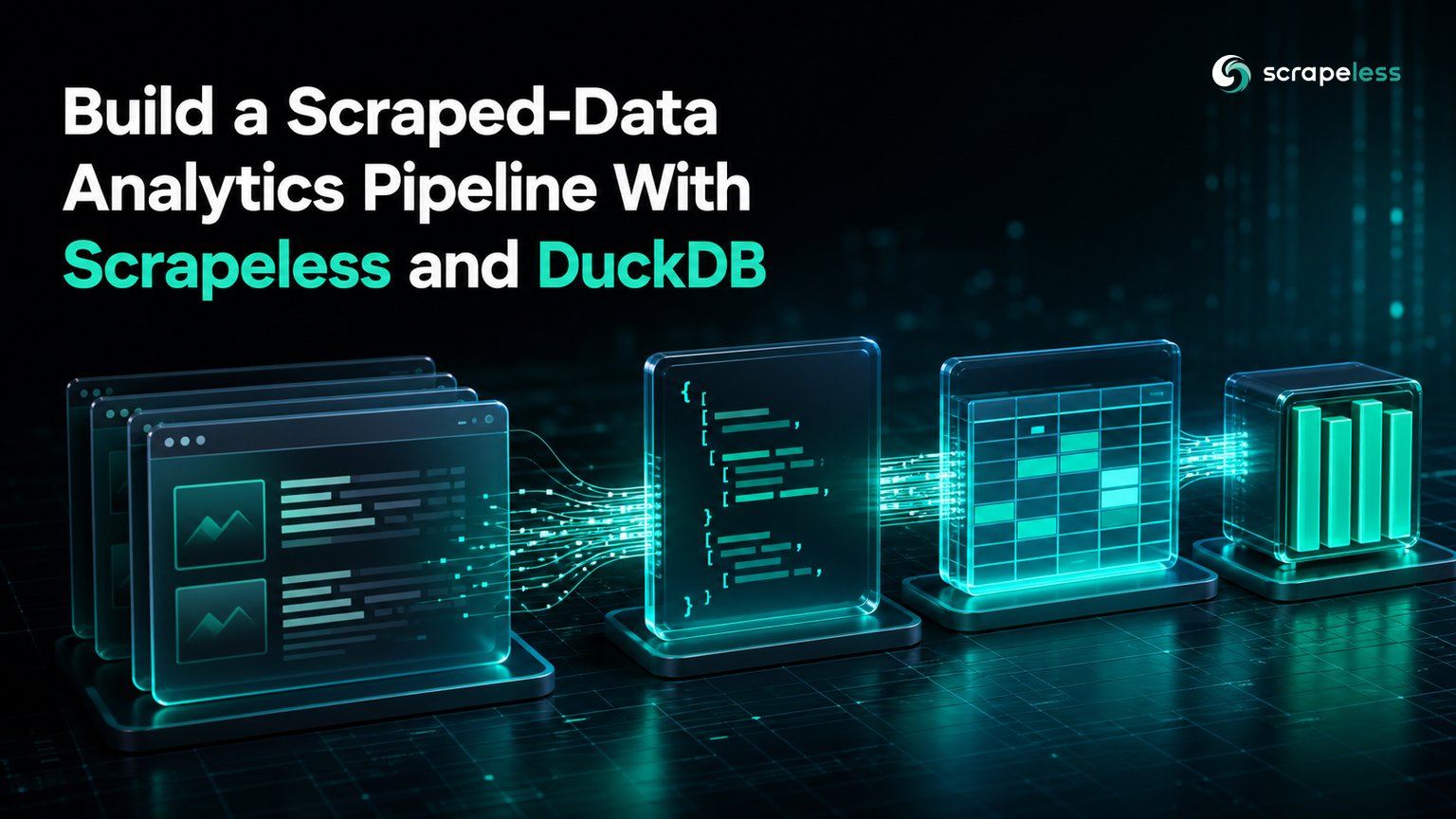
Build a Scraped-Data Analytics Pipeline With Scrapeless and DuckDB

Advanced Data Extraction Specialist
TL;DR:
- A scraping pipeline that ends in a JSON file is only half a pipeline; the analytical questions arrive after the data lands.
- DuckDB reads JSON Lines directly, so scraped records become a queryable table with no server, no schema migration, and no ETL tool.
- This pipeline fetches 3 pages through the Scrapeless Universal Scraping API, extracts 30 records, loads them into DuckDB, and writes Parquet.
- Parquet with ZSTD compression stored the same 30 records in 4,674 bytes against 7,690 bytes of JSON Lines, and DuckDB queries the file directly without loading it back.
- Every stage below runs on your machine with no cloud warehouse account and no credentials beyond a Scrapeless key.
- Start on the Scrapeless free plan and point the fetch stage at your own source.
Pipeline at a Glance
The flow is five stages, and the interesting design decision is where the data stops being text and starts being a table.
fetch (Scrapeless) → discover records → extract fields → transform to a typed table (DuckDB) → store as Parquet
JSON Lines is the handoff format between the scraping half and the analytical half. It is append-friendly, survives a crashed run without corrupting what came before, and DuckDB reads it natively — so there is no loader to write. The format is specified at the JSON Lines specification.
Nothing here needs a warehouse account. DuckDB runs in-process, which makes this the cheapest way to get real SQL over scraped data. When the destination is a managed warehouse instead, the Snowflake ingestion guide covers the same collection stage with a different landing zone.
Prerequisites
- Python 3.9 or later.
- A Scrapeless API key from the dashboard.
duckdbinstalled:
bash
pip install "duckdb==1.5.4"Set the key:
bash
export SCRAPELESS_API_KEY="your_api_key_here"Stage 1–3: Fetch, Discover, Extract
One call per page through the Scrapeless Universal Scraping API returns rendered HTML, and a standard-library parser turns each quote block into a record. The extractor emits one JSON object per line:
python
import json, os, urllib.request
from html.parser import HTMLParser

API = "https://api.scrapeless.com/api/v2/unlocker/request"

def fetch(url: str) -> str:
    payload = json.dumps({
        "actor": "unlocker.webunlocker",
        "input": {"url": url, "js_render": True, "headless": True},
    }).encode()
    req = urllib.request.Request(
        API, data=payload,
        headers={"x-api-token": os.environ["SCRAPELESS_API_KEY"],
                 "Content-Type": "application/json"},
    )
    with urllib.request.urlopen(req, timeout=120) as r:
        return json.loads(r.read())["data"]

class QuoteParser(HTMLParser):
    def __init__(self):
        super().__init__()
        self.rows, self._cur, self._cap = [], None, None
    def handle_starttag(self, tag, attrs):
        a = dict(attrs); cls = a.get("class", "")
        if tag == "div" and "quote" in cls:
            self._cur = {"text": "", "author": "", "tags": []}
        elif self._cur is not None and tag == "span" and "text" in cls:
            self._cap = "text"
        elif self._cur is not None and tag == "small" and "author" in cls:
            self._cap = "author"
        elif self._cur is not None and tag == "a" and "tag" in cls:
            self._cap = "tag"
    def handle_data(self, data):
        if self._cap == "text": self._cur["text"] += data
        elif self._cap == "author": self._cur["author"] += data
        elif self._cap == "tag": self._cur["tags"].append(data.strip())
    def handle_endtag(self, tag):
        if self._cap in ("text", "author", "tag"): self._cap = None
        if tag == "div" and self._cur and self._cur["text"]:
            self.rows.append(self._cur); self._cur = None

rows = []
for page in range(1, 4):
    p = QuoteParser(); p.feed(fetch(f"https://quotes.toscrape.com/page/{page}/"))
    rows.extend({"page": page, **r} for r in p.rows)

print(f"pages fetched: 3 | records extracted: {len(rows)}")
with open("quotes.jsonl", "w", encoding="utf-8") as f:
    for r in rows: f.write(json.dumps(r, ensure_ascii=False) + "\n")
print(f"wrote quotes.jsonl ({os.path.getsize('quotes.jsonl')} bytes)")
text
pages fetched: 3 | records extracted: 30
wrote quotes.jsonl (7690 bytes)
Two choices here are worth keeping in your own version.
The page number is attached to each record at extraction time. Provenance is nearly free to record at the point of collection and expensive to reconstruct afterwards, and it is what lets you answer "which page did this come from" without re-running anything.
ensure_ascii=False keeps the typographic quote characters intact rather than escaping them. That matters when the text is the data — escaped output is still valid JSON, but it inflates the file and makes later inspection harder.
Stage 4: Transform Into a Typed Table
DuckDB reads the JSON Lines file directly. read_json_auto infers the schema, and the surrounding SELECT is where you impose the types and derived columns you actually want:
python
import duckdb

con = duckdb.connect("quotes.duckdb")

con.execute("""
    CREATE OR REPLACE TABLE quotes AS
    SELECT
        page::INTEGER            AS page,
        text                     AS quote_text,
        author,
        tags,
        len(tags)                AS tag_count
    FROM read_json_auto('quotes.jsonl')
""")

total = con.sql("SELECT count(*) FROM quotes").fetchone()[0]
authors = con.sql("SELECT count(DISTINCT author) FROM quotes").fetchone()[0]
print(f"rows loaded: {total} | distinct authors: {authors}")

print(con.sql("""
    SELECT author, count(*) AS quotes, round(avg(tag_count), 2) AS avg_tags
    FROM quotes
    GROUP BY author
    ORDER BY quotes DESC, author
    LIMIT 5
""").to_df().to_string(index=False))

con.execute("COPY quotes TO 'quotes.parquet' (FORMAT PARQUET, COMPRESSION ZSTD)")
import os
print(f"parquet bytes: {os.path.getsize('quotes.parquet')} | jsonl bytes: {os.path.getsize('quotes.jsonl')}")

rt = duckdb.sql("SELECT count(*) AS n, count(DISTINCT author) AS a FROM 'quotes.parquet'").fetchone()
print(f"round-trip from parquet -> rows: {rt[0]}, authors: {rt[1]}")
text
rows loaded: 30 | distinct authors: 20
         author  quotes  avg_tags
Albert Einstein       6      2.83
   J.K. Rowling       3      1.33
     Bob Marley       2      1.00
      Dr. Seuss       2      2.00
 Marilyn Monroe       2      4.00
parquet bytes: 4674 | jsonl bytes: 7690
round-trip from parquet -> rows: 30, authors: 20
The tags column stays a list rather than being flattened into a delimited string. DuckDB carries nested types through to Parquet, so len(tags) works in SQL and the array survives the round trip — flattening to "a,b,c" at this stage is a lossy habit worth breaking.
CREATE OR REPLACE TABLE makes the load idempotent. Re-running the stage rebuilds the table from the current file instead of appending duplicates, which is the behaviour you want while you are still iterating on the extractor.
The aggregate is the point of the whole exercise: 30 records, 20 distinct authors, and one author accounting for 6 of them. That question is a one-line query against a table and an annoying loop against a JSON file.
Ready to run this against a source you care about? Create a free Scrapeless account and swap the URL in the fetch stage.
Stage 5: Store as Parquet
The same 30 records occupy 4,674 bytes as ZSTD-compressed Parquet against 7,690 bytes as JSON Lines. On this sample the saving is modest; the reason to care is what the format does at scale and what it enables afterwards.
Parquet is columnar and stores each column's values together with its own encoding, which is defined in the Apache Parquet file format specification. A query touching two of five columns reads only those two. The compression codec used here is specified in the Zstandard compression standard.
The round-trip line is the stage's own test. Reading the Parquet file back returns 30 rows and 20 distinct authors, matching the table it came from — worth asserting in any pipeline that writes a file another system will read.
Note the final query reads 'quotes.parquet' as a table directly, with no import step and no open connection to the database file. That is the practical reason to end a scraping pipeline in Parquet: the output is queryable by DuckDB, and by most other analytical engines, exactly where it sits.
The Complete Pipeline
Run as one script, the five stages are short enough to read in a single pass. This is the version to copy:
python
import json, os, urllib.request
from html.parser import HTMLParser

API = "https://api.scrapeless.com/api/v2/unlocker/request"

def fetch(url: str) -> str:
    payload = json.dumps({
        "actor": "unlocker.webunlocker",
        "input": {"url": url, "js_render": True, "headless": True},
    }).encode()
    req = urllib.request.Request(
        API, data=payload,
        headers={"x-api-token": os.environ["SCRAPELESS_API_KEY"],
                 "Content-Type": "application/json"},
    )
    with urllib.request.urlopen(req, timeout=120) as r:
        return json.loads(r.read())["data"]

class QuoteParser(HTMLParser):
    def __init__(self):
        super().__init__()
        self.rows, self._cur, self._cap = [], None, None
    def handle_starttag(self, tag, attrs):
        a = dict(attrs); cls = a.get("class", "")
        if tag == "div" and "quote" in cls:
            self._cur = {"text": "", "author": "", "tags": []}
        elif self._cur is not None and tag == "span" and "text" in cls:
            self._cap = "text"
        elif self._cur is not None and tag == "small" and "author" in cls:
            self._cap = "author"
        elif self._cur is not None and tag == "a" and "tag" in cls:
            self._cap = "tag"
    def handle_data(self, data):
        if self._cap == "text": self._cur["text"] += data
        elif self._cap == "author": self._cur["author"] += data
        elif self._cap == "tag": self._cur["tags"].append(data.strip())
    def handle_endtag(self, tag):
        if self._cap in ("text", "author", "tag"): self._cap = None
        if tag == "div" and self._cur and self._cur["text"]:
            self.rows.append(self._cur); self._cur = None

rows = []
for page in range(1, 4):
    p = QuoteParser(); p.feed(fetch(f"https://quotes.toscrape.com/page/{page}/"))
    rows.extend({"page": page, **r} for r in p.rows)

with open("quotes.jsonl", "w", encoding="utf-8") as f:
    for r in rows: f.write(json.dumps(r, ensure_ascii=False) + "\n")
print(f"pages fetched: 3 | records extracted: {len(rows)}")

import duckdb

con = duckdb.connect("quotes.duckdb")
con.execute("""
    CREATE OR REPLACE TABLE quotes AS
    SELECT page::INTEGER AS page, text AS quote_text, author, tags, len(tags) AS tag_count
    FROM read_json_auto('quotes.jsonl')
""")
rows_loaded = con.sql("SELECT count(*) FROM quotes").fetchone()[0]
authors = con.sql("SELECT count(DISTINCT author) FROM quotes").fetchone()[0]
print(f"rows loaded: {rows_loaded} | distinct authors: {authors}")

con.execute("COPY quotes TO 'quotes.parquet' (FORMAT PARQUET, COMPRESSION ZSTD)")
print(f"parquet bytes: {os.path.getsize('quotes.parquet')} | jsonl bytes: {os.path.getsize('quotes.jsonl')}")

rt = duckdb.sql("SELECT count(*), count(DISTINCT author) FROM 'quotes.parquet'").fetchone()
print(f"round-trip from parquet -> rows: {rt[0]}, authors: {rt[1]}")
text
pages fetched: 3 | records extracted: 30
rows loaded: 30 | distinct authors: 20
parquet bytes: 4674 | jsonl bytes: 7690
round-trip from parquet -> rows: 30, authors: 20
Where This Pipeline Goes Next
Partition by collection date once you run it repeatedly. Writing to a data/dt=<collection-date>/quotes.parquet layout lets a query skip whole directories instead of scanning history.
Keep the JSON Lines files. They are the raw record of what was collected; Parquet is the derived, typed artifact. When an extractor bug surfaces, you re-derive from the raw files rather than re-scraping.
Add assertions between stages. A count check between extract and load catches a selector that silently stopped matching — the failure mode that otherwise shows up as a quiet drop in row count weeks later.
Before pointing this at a live source, check its terms and its /robots.txt directives, which follow the Robots Exclusion Protocol standard. Keep collection to public pages and to a bounded page range like the one above.
Conclusion
The gap between a scraper and an analytics pipeline is smaller than it looks. JSON Lines as the handoff, DuckDB as the query engine, and Parquet as the stored artifact cover it with one dependency and no infrastructure — 3 pages in, 30 typed rows out, queryable in place.
The step most pipelines skip is the last one. Writing Parquet and then reading it back to confirm the counts match turns a storage step into a verified one, which is the difference between a file you have and a file you can trust.
Start with the Scrapeless free plan to run the fetch stage against your own targets, and review the Scrapeless pricing when you size a recurring job.
FAQ
Q: Why DuckDB instead of a cloud warehouse for scraped data?
DuckDB runs in-process with no server, no account, and no network round trip, which fits the scale most scraping projects actually operate at. It reads JSON and Parquet natively, so there is no loader to write. A cloud warehouse earns its place when several teams need concurrent access to the same tables — not when one pipeline needs SQL over its own output.
Q: Do I need to flatten nested fields like tag lists before loading?
No, and flattening loses information. DuckDB supports list types end to end, so tags stays an array through the load, through len(tags) in SQL, and through the Parquet write and read-back. Collapsing it to a delimited string forces every later query to re-parse it.
Q: Why write JSON Lines between scraping and loading?
It decouples the two halves. The scrape is the slow, failure-prone part; once records are on disk one-per-line, you can re-run the load and transform as many times as you like without re-fetching. Appending line by line also means a run that dies partway leaves the earlier records intact and readable.
Q: How much smaller is Parquet than JSON Lines?
On this 30-record sample, 4,674 bytes against 7,690 — roughly 40% smaller. Do not read too much into that ratio at this size, where file overhead dominates. Parquet's real advantage is columnar reads: a query touching two of five columns reads only those, which matters at volumes where the file no longer fits comfortably in memory.
Q: Can I query the Parquet file without loading it into a database first?
Yes, and the last line of the load stage does exactly that — SELECT ... FROM 'quotes.parquet' with no open database connection and no import. That is what makes Parquet a good final artifact for a scraping pipeline: the output stays queryable where it sits, by DuckDB and by other analytical engines.
At Scrapeless, we only access publicly available data while strictly complying with applicable laws, regulations, and website privacy policies. The content in this blog is for demonstration purposes only and does not involve any illegal or infringing activities. We make no guarantees and disclaim all liability for the use of information from this blog or third-party links. Before engaging in any scraping activities, consult your legal advisor and review the target website's terms of service or obtain the necessary permissions.





