
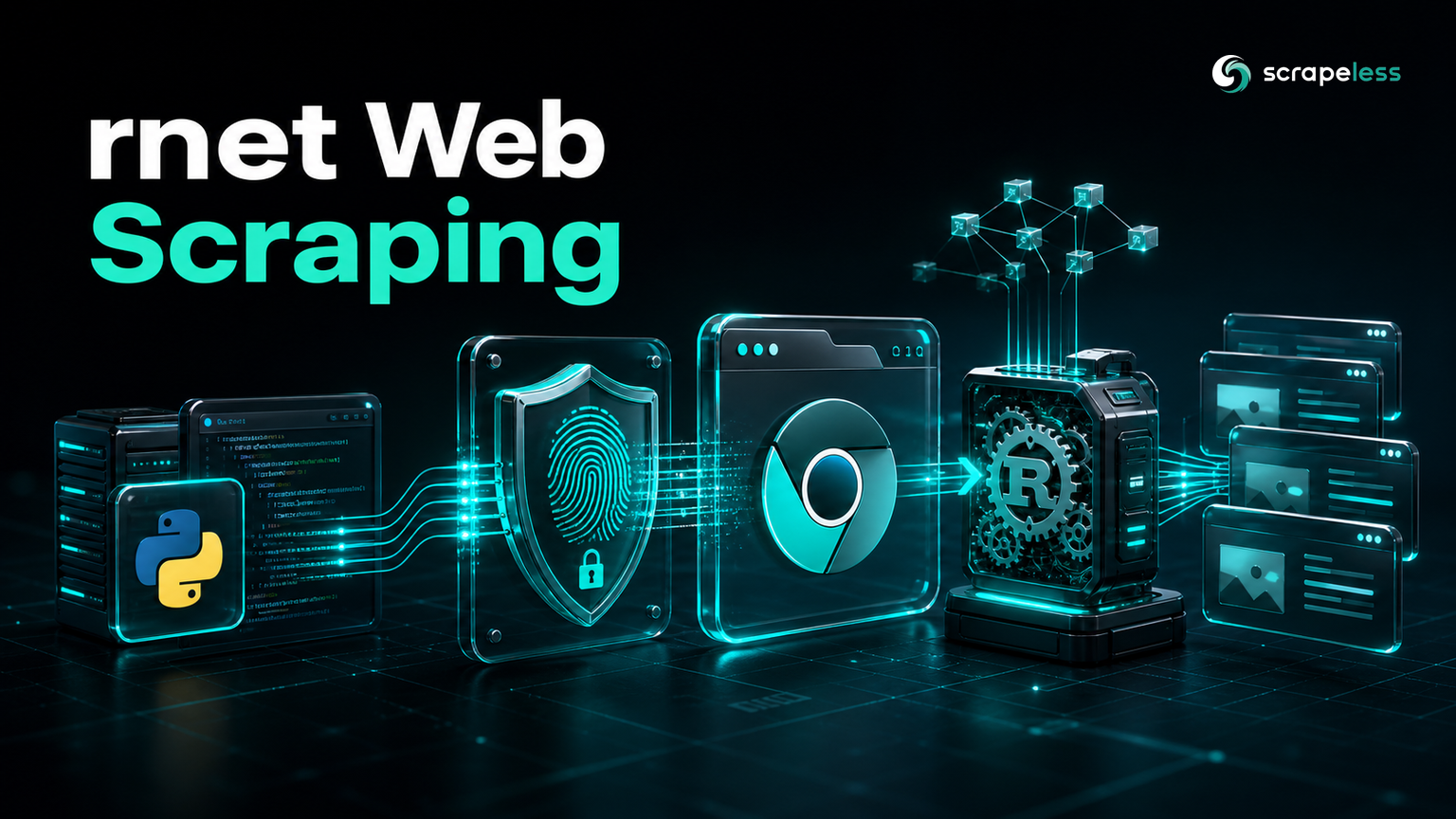
rnet Web Scraping: Browser TLS Fingerprint Impersonation

Senior Web Scraping Engineer
TL;DR:
- rnet is an async HTTP client that impersonates a real browser's TLS fingerprint, so a server profiling the handshake sees Chrome, not a Python default. It is built on Rust and exposed to Python.
- What rnet does not do is render JavaScript. A perfect fingerprint gets the request accepted; it does not execute the scripts that build a page's content.
- The fingerprint is real in this guide. A live run impersonating Chrome produced a browser-shaped JA3 and a
t13d1516h2JA4 over HTTP/2 — and still found 0 quote blocks on a script-built page. - rnet is also the client that calls Scrapeless. The same async client POSTed the URL to the Scrapeless Universal Scraping API, got the rendered HTML, and pulled all 10 authors.
- Two different problems, cleanly split. rnet handles the TLS-fingerprint layer; Scrapeless handles rendering. Neither substitutes for the other.
- Free to start on the fetch side. Create your Scrapeless API key at app.scrapeless.com.
What rnet is, and what it is not
rnet is an asynchronous HTTP client for Python built on Rust's networking stack, and its distinguishing feature is TLS and HTTP fingerprint impersonation. When a client opens a TLS connection, the exact shape of its handshake — cipher order, extensions, curves — forms a fingerprint that servers can profile; a standard Python client has a fingerprint no browser produces, and some sites reject it before a single byte of HTML is served. rnet reproduces a chosen browser's handshake, so the connection reads as Chrome or Firefox, and it does this over HTTP/2 with an async API.
What it is not is a renderer. A matching fingerprint gets you past handshake-level profiling; it does nothing about JavaScript. The page still builds its content with scripts, and rnet, like any HTTP client, returns the markup the server sent — which on a script-built page is empty of the content. So an rnet scraper separates two problems that are often confused: the fingerprint layer, where rnet earns its place, and the rendering layer, which needs a browser. This guide uses the Scrapeless Universal Scraping API for the rendering, with rnet making the call. For the broader picture, the Python web scraping tutorial is the companion.
Install
rnet is the whole toolchain for this guide. The version it was written against is rnet 2.4.2:
bash
pip install "rnet==2.4.2"Keep your key in the environment, never in source:
bash
export SCRAPELESS_API_KEY="sk_your_scrapeless_key"Impersonate a browser, and see where it stops
Point rnet at a fingerprinting endpoint with a browser impersonation set, and the handshake reads as that browser. JA3 and JA4 are standard summaries of the TLS handshake — the fingerprint negotiated under the TLS 1.3 standard — and rnet produces browser-shaped values. Yet the same client on a script-built page finds nothing, because the fingerprint has no bearing on the client-side rendering that fills the page:
python
# fingerprint.py — a real browser handshake, and its limit
import asyncio
import json
import re

import rnet

FINGERPRINT_URL = "https://tls.peet.ws/api/all"
PAGE_URL = "https://quotes.toscrape.com/js/"


async def main() -> None:
    client = rnet.Client(impersonate=rnet.Impersonate.Chrome131)

    resp = await client.get(FINGERPRINT_URL)
    fp = json.loads(await resp.text())
    ja3 = fp.get("tls", {}).get("ja3_hash", "")
    ja4 = fp.get("tls", {}).get("ja4", "")
    print("ja3 is 32-hex:", bool(re.fullmatch(r"[0-9a-f]{32}", ja3)))
    print("ja4 prefix:", ja4.split("_")[0])
    print("http version:", fp.get("http_version"))

    page_resp = await client.get(PAGE_URL)
    page = await page_resp.text()
    print("js-page quote blocks:", page.count('class="quote"'))


asyncio.run(main())
The handshake is browser-shaped; the page is still empty:
text
ja3 is 32-hex: True
ja4 prefix: t13d1516h2
http version: h2
js-page quote blocks: 0
The JA3 hash varies run to run by design — browsers randomize one extension under the GREASE mechanism, and rnet reproduces that — so a scraper checks the shape, not a fixed value. The JA4 prefix t13d1516h2 is the stable part: TLS 1.3, 16 cipher suites, 16 extensions, HTTP/2. What none of it does is render the page.
Render with Scrapeless, called by rnet
Keep the same async client and change the target: POST the URL to the Scrapeless Universal Scraping API, which renders server-side and returns the finished HTML. rnet handles this request like any other, so one client covers both the fingerprint-sensitive fetches and the rendered ones:
python
# rendered.py — rnet calls the render API, then extracts
import asyncio
import json
import os
import re

import rnet


async def main() -> None:
    client = rnet.Client(impersonate=rnet.Impersonate.Chrome131)
    resp = await client.post(
        "https://api.scrapeless.com/api/v2/unlocker/request",
        headers={"x-api-token": os.environ["SCRAPELESS_API_KEY"], "Content-Type": "application/json"},
        json={"actor": "unlocker.webunlocker", "input": {"url": "https://quotes.toscrape.com/js/", "js_render": True}},
    )
    html = json.loads(await resp.text())["data"]

    authors = re.findall(r'<small class="author">(.*?)</small>', html)
    print("rendered quote blocks:", html.count('class="quote"'))
    print("first author:", authors[0])


asyncio.run(main())
Now the content is present:
text
rendered quote blocks: 10
first author: Albert Einstein
That is the whole scraper, and it stayed in rnet the whole way: the async client that carries a browser fingerprint also makes the render call. The Universal Scraping API does the rendering; rnet does the HTTP.
Get your API key on the free plan: app.scrapeless.com
Advanced patterns
- Match the impersonation to a current browser.
rnet.Impersonateexposes specific browser versions; pick a recent one, since a fingerprint for a years-old build is itself a signal. The client's API does not change with the target. - Reuse one client. An
rnet.Clientpools connections; create it once and share it across an async task group rather than per request, which is where the async transport pays off. - Check the shape, not the value. Because GREASE randomizes the JA3 per connection, assert the 32-hex pattern and the JA4 prefix, as the first script does — never a hard-coded hash.
- Add a parser when the shape grows. The regex keeps this to one dependency; for nested records, feed the rendered HTML to a selector library and select fields there.
Troubleshooting
- A site still blocks the request. A TLS fingerprint is one signal among many. If a browser-shaped handshake is not enough, the block is above the transport — IP reputation, headers, or a challenge — and the request belongs on the Scrapeless path, which handles those.
- Zero blocks from a page you can see in a browser. The content is JavaScript-rendered; the fingerprint got the request accepted but the scripts never ran. Route that URL through the Scrapeless call with
js_render. - The JA3 hash changes every run. That is correct — GREASE randomizes it, exactly as a real browser does. Assert the pattern and the JA4 prefix instead.
awaiterrors on the response. rnet is async: both the request and reading.text()are awaited, and everything runs insideasyncio.run, as the examples show.
Conclusion
rnet earns its place as the layer that makes the handshake look right: an async, Rust-backed client that carries a real browser's TLS fingerprint, and that also makes the render call. The problem it does not solve is the page itself — the fingerprint script's zero-blocks result settles that — and one Scrapeless POST, sent by rnet, closes the gap. Wire the fingerprint layer and the rendering layer into a single client and the demo page's ten authors come back from a connection a server reads as Chrome.
Create a free Scrapeless account to get an API key, and the developer docs cover the unlocker.webunlocker parameters. Check Scrapeless pricing when you plan a recurring job.
FAQ
Q: Can rnet scrape JavaScript-rendered pages by itself?
No. rnet is an HTTP client with fingerprint impersonation; it gets a request accepted at the TLS layer but runs no JavaScript. On a script-built page the fetch returns markup with the content missing — the guide's zero-blocks result. Route those pages through the Scrapeless Universal Scraping API, which renders them, with rnet making the call.
Q: What does TLS fingerprint impersonation actually do?
It shapes rnet's TLS handshake to match a chosen browser, so a server profiling the JA3 or JA4 fingerprint sees Chrome or Firefox rather than a generic Python client. That clears handshake-level filtering; it does not clear IP-based blocks, challenge pages, or the need to render JavaScript.
Q: How is rnet different from curl_cffi?
Both impersonate browser fingerprints. rnet is built on Rust and is async-first; curl_cffi wraps curl-impersonate and is synchronous. Pick by whether your scraper is async and which impersonation targets you need — the two-layer pattern with a rendering API is the same either way.
Q: Why does the JA3 hash change on every run?
Because real browsers randomize one TLS extension through the GREASE mechanism, and rnet reproduces that behavior. A fixed JA3 would itself look artificial. Verify the 32-hex pattern and the JA4 prefix instead of a specific value.
Q: Is scraping with rnet legal?
The HTTP client does not change the collection rules. Fetch public pages only, respect site terms and the robots directives standardized by the Robots Exclusion Protocol, keep volumes bounded, and handle any personal data under the laws that apply to you.
At Scrapeless, we only access publicly available data while strictly complying with applicable laws, regulations, and website privacy policies. The content in this blog is for demonstration purposes only and does not involve any illegal or infringing activities. We make no guarantees and disclaim all liability for the use of information from this blog or third-party links. Before engaging in any scraping activities, consult your legal advisor and review the target website's terms of service or obtain the necessary permissions.





