
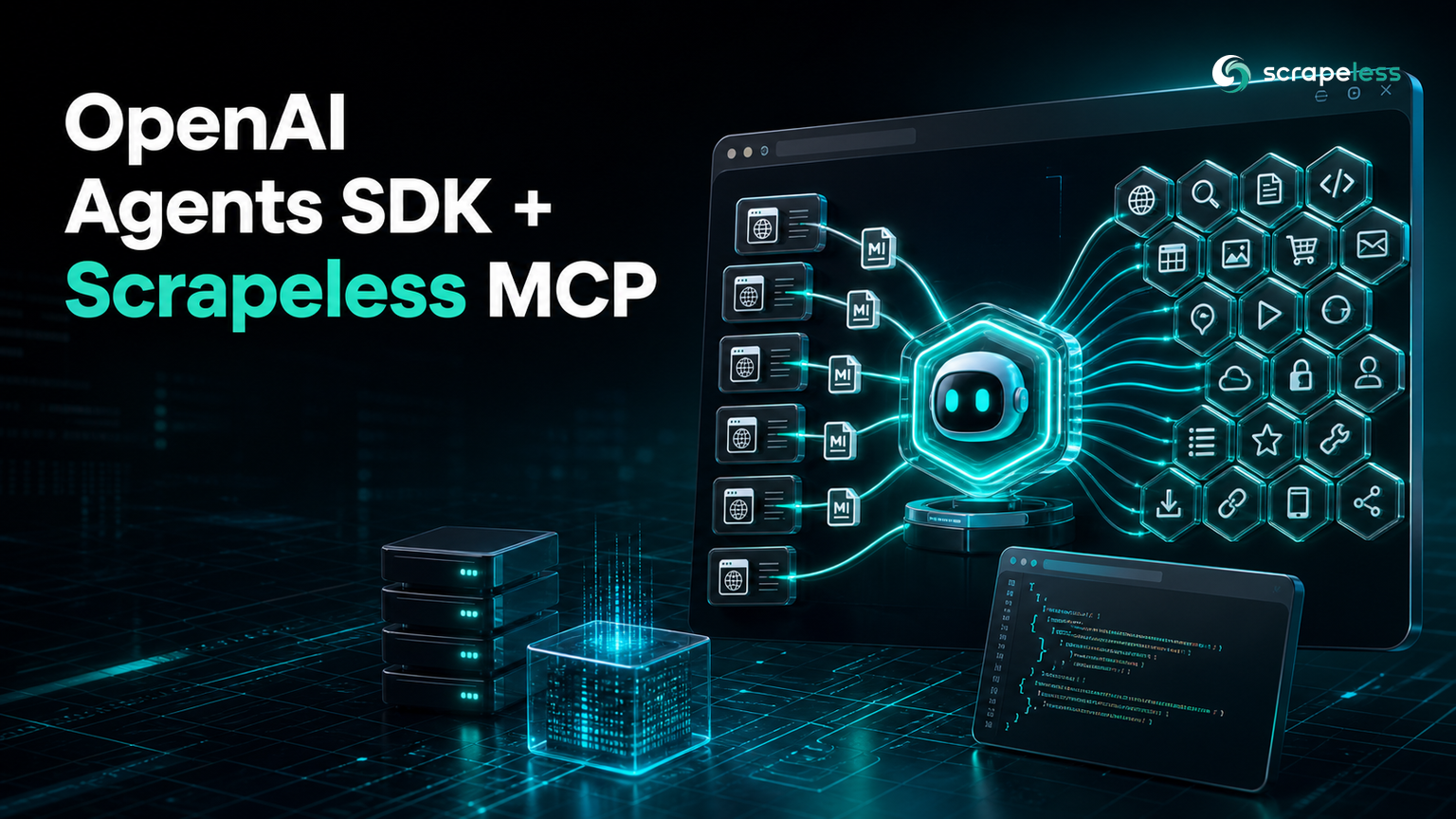
OpenAI Agents SDK + Scrapeless: Web Tools for Your Agents via MCP

Lead Scraping Automation Engineer
TL;DR:
- The OpenAI Agents SDK connects to the Scrapeless MCP Server through one object,
MCPServerStreamableHttp, which carries the endpoint and thex-api-tokenheader. await server.list_tools()returns all 21 tools —scrape_markdown,scrape_html,google_search,google_trends,scrape_screenshot, and a 16-toolbrowser_*set — with only the Scrapeless key set.- Unlike frameworks that convert MCP tools into standalone objects, the SDK keeps the server as a first-class connection: you hand the whole
serverto the agent, and it callslist_toolsandcall_toolfor you. - You can call any tool directly with
await server.call_tool("scrape_markdown", {"url": ...})before an agent is involved — no model key needed to load or call tools. - Only
Runner.runneeds a model-provider key, because that is the step where the model decides which tools to call. - Start on the Scrapeless free plan and give your OpenAI Agents SDK agents real web tools.
The OpenAI Agents SDK is OpenAI's lightweight framework for building agentic apps in Python, and an agent in it is only as useful as the tools you give it. Nothing in the base install reaches the live web. The Model Context Protocol fixes that: point the SDK at an MCP server and every tool that server exposes becomes callable by your agent through the same interface as a hand-written function tool.
This guide connects the SDK to the Scrapeless MCP Server, lists its 21 tools, calls one for real, and then attaches the whole server to an Agent — verified against the live endpoint. The only step that needs a model-provider key is the agent's generation call, and this post marks exactly where that line sits.
What the Scrapeless MCP Server gives an agent
The Scrapeless MCP Server exposes web-scraping and browser tools an agent can call directly, so the scraping layer is not something you build or host. One connection serves 21 tools: scrape_markdown and scrape_html for page content, google_search and google_trends for search data, scrape_screenshot for captures, and a 16-tool browser_* set that drives a cloud browser through clicks, typing, scrolling, and waits.
The browser_* tools run on the Scrapeless cloud browser, so an agent can navigate an interactive page and read what actually renders without a browser on your machine. If you want the same server wired into a different stack, the LangChain + Scrapeless MCP guide covers that side, and What is MCP explains the protocol itself.
Prerequisites
- Python 3.10 or later.
- A Scrapeless API key from the dashboard, exported as
SCRAPELESS_API_KEY. - A model-provider key such as
OPENAI_API_KEYonly for the agent run. Loading and calling the tools does not need one.
Install
Install the SDK. The MCP client ships inside it, so there is no separate extra to add.
bash
pip install "openai-agents==0.18.3"Set your Scrapeless key in the shell, and keep the placeholder out of your source.
bash
export SCRAPELESS_API_KEY="sk_your_key_here"Connect and load the tools
MCPServerStreamableHttp takes a params dict with the endpoint and the headers, and it is an async context manager, so the connection opens and closes around a with block. list_tools runs the handshake and returns the server's tools.
python
import asyncio
import os

from agents.mcp import MCPServerStreamableHttp


async def main() -> None:
    params = {
        "url": "https://api.scrapeless.com/mcp",
        "headers": {"x-api-token": os.environ["SCRAPELESS_API_KEY"]},
    }
    async with MCPServerStreamableHttp(
        params=params, name="scrapeless", client_session_timeout_seconds=60
    ) as server:
        tools = await server.list_tools()
        names = sorted(tool.name for tool in tools)
        print("tool count:", len(names))
        print("tools:", ", ".join(names))


asyncio.run(main())
The live server returns 21 tools, loaded with only the Scrapeless key set.
text
tool count: 21
tools: browser_click, browser_close, browser_create, browser_get_html, browser_get_text, browser_go_back, browser_go_forward, browser_goto, browser_press_key, browser_screenshot, browser_scroll, browser_scroll_to, browser_snapshot, browser_type, browser_wait, browser_wait_for, google_search, google_trends, scrape_html, scrape_markdown, scrape_screenshot
The transport and message layer follow the Model Context Protocol specification, which rides on the JSON-RPC 2.0 specification. The SDK also ships MCPServerStdio for a local subprocess server; the Scrapeless server is a hosted HTTP endpoint, so the streamable-HTTP class is the right one here.
Call a tool directly
Before an agent exists, you can call any tool on the server yourself. call_tool takes the tool name and an arguments dict and returns a CallToolResult whose content is a list of blocks; the text is on the text blocks.
python
import asyncio
import os

from agents.mcp import MCPServerStreamableHttp


async def main() -> None:
    params = {
        "url": "https://api.scrapeless.com/mcp",
        "headers": {"x-api-token": os.environ["SCRAPELESS_API_KEY"]},
    }
    async with MCPServerStreamableHttp(
        params=params, name="scrapeless", client_session_timeout_seconds=60
    ) as server:
        result = await server.call_tool("scrape_markdown", {"url": "https://quotes.toscrape.com/"})
        text = "".join(block.text for block in result.content if block.type == "text")
        print("markdown chars:", len(text))
        print("contains a quote:", "Einstein" in text)


asyncio.run(main())
The call returns the page as Markdown, and the content check confirms real text came back.
text
markdown chars: 4308
contains a quote: True
That is the shape an agent gets back from the same tool: page content it can reason over. The OpenAI Agents SDK MCP documentation covers list_tools, call_tool, and the cache_tools_list option that skips repeat handshakes when the tool set is stable.
Hand the tools to an agent
Here the SDK differs from tool-adapter frameworks. You do not convert the tools and pass a list; you pass the whole server to the agent's mcp_servers argument, and the agent calls list_tools and call_tool on it during the run. This is the step that needs a model-provider key.
Note:
Runner.runneeds a model-provider key such asOPENAI_API_KEY, which is not set here. Loading the 21 tools and the directscrape_markdowncall above run without it. This block is shown with its exact shape; only the model round-trip is a prerequisite gap.
python
import asyncio
import os

from agents import Agent, Runner
from agents.mcp import MCPServerStreamableHttp


async def main() -> None:
    params = {
        "url": "https://api.scrapeless.com/mcp",
        "headers": {"x-api-token": os.environ["SCRAPELESS_API_KEY"]},
    }
    async with MCPServerStreamableHttp(
        params=params, name="scrapeless", client_session_timeout_seconds=60
    ) as server:
        agent = Agent(
            name="web_agent",
            instructions="Use the Scrapeless tools to fetch and read pages.",
            mcp_servers=[server],
        )
        result = await Runner.run(
            agent,
            "Use scrape_markdown to fetch https://quotes.toscrape.com/ and list the first three quotes with authors.",
        )
        print(result.final_output)


asyncio.run(main())
At run time the model reads the task, calls scrape_markdown with the URL, receives the Markdown the direct call already returned, and writes the answer. The tools are the same either way — the only new ingredient is the model that decides when to call them.
Conclusion
The OpenAI Agents SDK plus the Scrapeless MCP Server is a short path from a bare agent to one that reads the live web. One MCPServerStreamableHttp object opens the connection, list_tools returns all 21 tools, call_tool proves one works, and a single mcp_servers=[server] argument hands the set to the agent. Only the generation step needs a model key, so you can wire and test the whole tool surface first. Start from the scripts above, scope the tools to what the task needs, and let the model drive.
Create a free Scrapeless account to get an API key, and check Scrapeless pricing when you plan a recurring agent.
FAQ
Q: Does the OpenAI Agents SDK need a model key to load MCP tools?
No. MCPServerStreamableHttp runs the handshake and list_tools returns the tools with only the Scrapeless API key set, and call_tool invokes any of them directly. A model-provider key is required only when you pass the server to an Agent and call Runner.run, because that is when the model decides which tools to call.
Q: How do I call one MCP tool without building an agent?
Open the server as an async context manager and call await server.call_tool(name, arguments). It returns a CallToolResult whose content is a list of blocks; read the text off the text blocks. This is the fastest way to confirm the connection and inspect a tool's output before any model is involved.
Q: Why pass the server instead of a list of tools?
The SDK keeps the MCP server as a live connection and queries it during the run, so you attach it with mcp_servers=[server] rather than converting each tool. If the tool set is stable, set cache_tools_list=True on the server so it does not re-run the handshake on every turn.
Q: Can I connect to a local MCP server instead?
Yes. Swap MCPServerStreamableHttp for MCPServerStdio and give it the command that launches your local server, then pass it to the agent the same way. The Scrapeless MCP Server is a hosted HTTP endpoint, so this guide uses the streamable-HTTP class.
Q: Is scraping through the tools bound by the target's rules?
Yes. The tools fetch public pages, and you remain responsible for honoring each target's terms and its Robots Exclusion Protocol directives. Keep the volume bounded, the data public, and the agent scoped to the tools the task actually needs.
At Scrapeless, we only access publicly available data while strictly complying with applicable laws, regulations, and website privacy policies. The content in this blog is for demonstration purposes only and does not involve any illegal or infringing activities. We make no guarantees and disclaim all liability for the use of information from this blog or third-party links. Before engaging in any scraping activities, consult your legal advisor and review the target website's terms of service or obtain the necessary permissions.





