
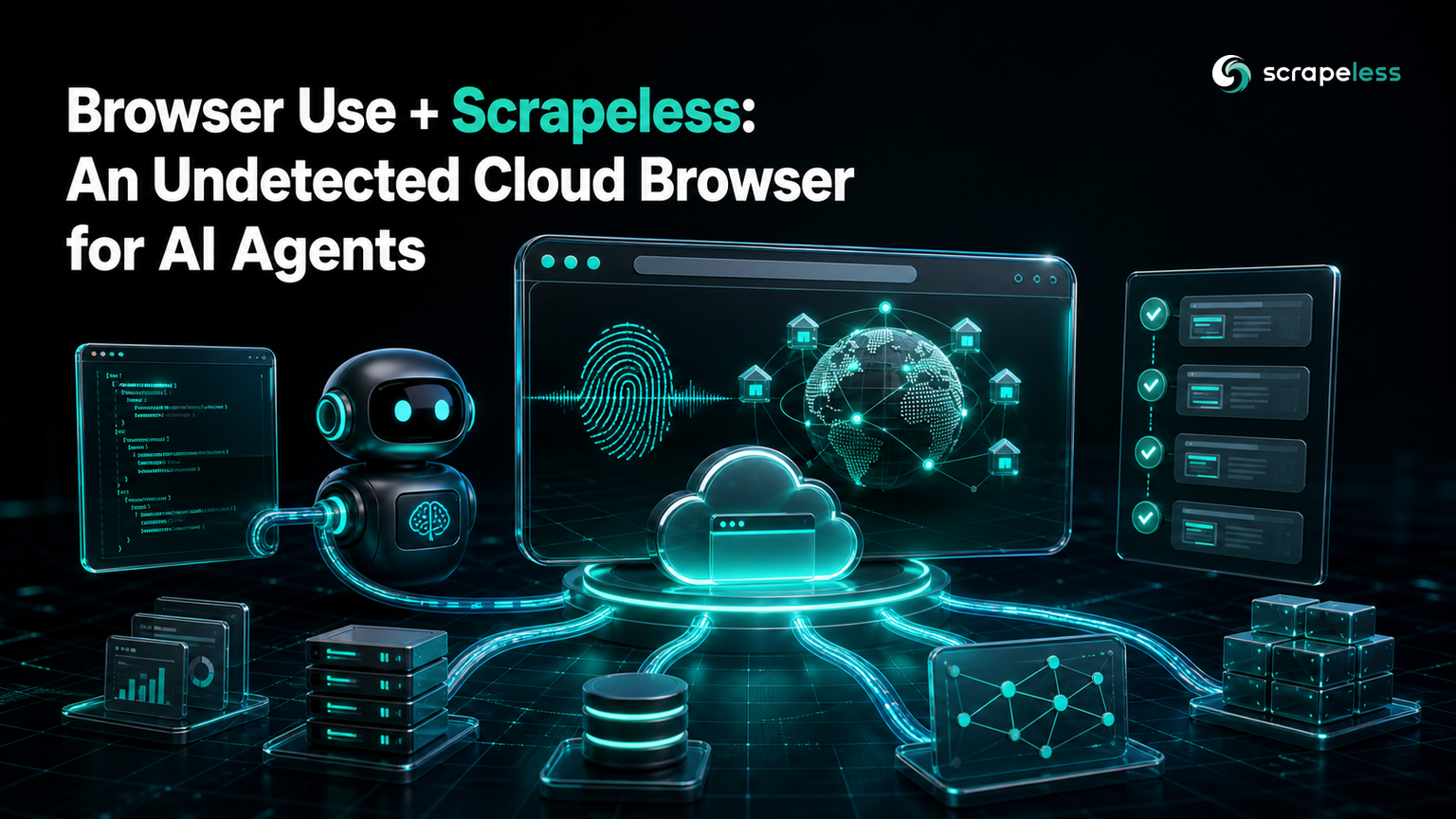
Browser Use + Scrapeless: An Undetected Cloud Browser for AI Agents

Senior Web Scraping Engineer
TL;DR:
- Browser Use drives a browser with an LLM; Scrapeless gives that browser a clean identity. Point the agent's
cdp_urlat the Scrapeless cloud browser and it runs on real Chromium, a consistent fingerprint, and residential egress — your agent code is unchanged. - A local browser leaks automation on three axes: the
navigator.webdrivertell, headless-default fingerprint, and your own exit IP. Anti-bot systems score all three at once. - The integration is one line — the connection URL. Build
wss://browser.scrapeless.com/api/v2/browserwith your token and hand it toBrowser(cdp_url=...). - Watch the agent live from the session URL in the Scrapeless Dashboard while it reasons and clicks.
- Verified live: an agent connected over CDP, ran seven steps, and returned the target page's title through the Scrapeless cloud browser.
- Free to start. New Scrapeless accounts include free Scraping Browser runtime — sign up at app.scrapeless.com.
Introduction: give your agent a browser that reads clean
Browser Use lets a language model operate a real browser — it decides the steps, clicks the elements, and reads the page. Run it against a local Chrome and the agent inherits everything that makes automation obvious: it announces itself through the navigator.webdriver property, ships headless-default fonts and canvas behavior, and exits from an IP reputation services already know.
Fixing that locally means maintaining stealth patches as Chromium and the anti-bots change. Browser Use connects to any CDP-speaking browser through cdp_url, and the Scrapeless Scraping Browser is a CDP-speaking browser reached over one WebSocket endpoint. So the agent's runtime, fingerprint, and exit IP move server-side, and the only thing your code changes is where the browser comes from.
What you can do with it
- Run agent tasks on anti-bot-protected sites — the cloud browser clears challenges during render.
- Localize behavior — pin
proxyCountryso the agent sees a page as a visitor in that market would. - Scale past your machine — sessions run in the cloud, not on your laptop.
- Keep the agent code identical — swap only the browser source; the
Agent, task, and LLM stay put. - Watch and debug live — the Scrapeless Dashboard streams the running session.
Why Scrapeless Scraping Browser
The Scrapeless Scraping Browser is a customizable, anti-detection cloud browser designed for web crawlers and AI agents. For Browser Use specifically, it brings:
- Real self-developed Chromium that runs JavaScript exactly like Chrome, so SPAs and challenges resolve.
- A consistent per-session fingerprint — no
navigator.webdrivertell, no headless defaults. - Residential egress in 195+ countries, chosen per session with one
proxyCountryvalue. - A single CDP surface — every option is a query parameter on the same WebSocket endpoint.
Get your API key on the free plan at app.scrapeless.com.
Prerequisites
- Python 3.11 or newer (Browser Use requires 3.11+)
- An OpenAI API key for the agent's language model
- A Scrapeless account and API key — sign up at app.scrapeless.com
Full connection details live in the Scraping Browser documentation.
Install
bash
pip install browser-useFor agent memory on longer tasks (Python < 3.13):
bash
pip install "browser-use[memory]"Connect your agent to the cloud browser
Build the Scrapeless WebSocket URL and pass it to Browser(cdp_url=...). navigator.webdriver is a signal that the W3C WebDriver specification requires conforming drivers to set — the cloud browser does not carry it.
python
import os
from urllib.parse import urlencode
from browser_use import Browser

def scrapeless_browser() -> Browser:
    params = {
        "token": os.environ["SCRAPELESS_API_KEY"],
        "sessionTTL": 900,
        "proxyCountry": "ANY",
    }
    ws = f"wss://browser.scrapeless.com/api/v2/browser?{urlencode(params)}"
    return Browser(cdp_url=ws)
Run the agent
Browser Use connects to the cloud browser over the Chrome DevTools Protocol, so the Agent runs exactly as it would locally.
Note: running this needs a live Scrapeless session and an OpenAI API key for
agent.run(). Supply both to execute it.
python
import os
import asyncio
from urllib.parse import urlencode
from dotenv import load_dotenv
from browser_use import Agent, Browser, ChatOpenAI

def scrapeless_browser() -> Browser:
    params = {"token": os.environ["SCRAPELESS_API_KEY"], "sessionTTL": 900, "proxyCountry": "ANY"}
    ws = f"wss://browser.scrapeless.com/api/v2/browser?{urlencode(params)}"
    return Browser(cdp_url=ws)

async def main():
    load_dotenv()
    browser = scrapeless_browser()
    await browser.start()

    agent = Agent(
        task="Go to Google, search for 'Scrapeless', open the first result and return its title",
        llm=ChatOpenAI(model="gpt-4o"),
        browser=browser,
    )
    print(await agent.run())
    await browser.kill()

asyncio.run(main())
What you get back
In a live run the agent connected over cdp_url, ran seven steps, and returned the target page's title — Effortless Web Scraping Toolkit for Business and Developers — through the Scrapeless cloud browser. A few honest observations:
- The
navigator.webdriversignal is absent, so the first check a site runs reads like a real Chrome. - The exit IP matches
proxyCountry— geo-gated pages resolve as a local visitor sees them. - The agent adapts — when one search path shows a challenge, an LLM-driven agent can route around it and still reach the target, because it reasons about the page rather than following a fixed script.
- Memory is optional — enable it for long multi-step tasks with
enable_memory=Trueon theAgent.
Conclusion: same agent, cleaner browser
Browser Use decides what to do; Scrapeless decides how the browser looks to the site. The integration is a single connection URL — build wss://browser.scrapeless.com/api/v2/browser with your token, hand it to Browser(cdp_url=...), and run your agent unchanged. For wiring more than one Python tool to the same cloud browser, see the undetected-fingerprint guide, and compare plans on the Scrapeless pricing page.
Ready to Build Your AI-Agent Scraping Pipeline?
Join our community to claim a free plan and connect with developers building agent pipelines: Discord · Telegram.
Sign up at app.scrapeless.com for free Scraping Browser runtime and point your Browser Use agent at the cloud browser your targets can't fingerprint.
FAQ
Q: Do I have to change my Browser Use agent code?
No. You change where the browser comes from — swap a local launch for Browser(cdp_url=<scrapeless url>). The Agent, task, and LLM are identical.
Q: Why not just run local Chrome?
Local Chrome runs on your IP, announces automation through navigator.webdriver, and needs you to maintain stealth patches. Scrapeless is a managed cloud browser with bundled residential egress and a consistent fingerprint — same API, none of the upkeep.
Q: Do I need a proxy?
No. Residential egress is built in — set proxyCountry to a region or ANY.
Q: Which Python version do I need?
Browser Use requires Python 3.11 or newer; agent memory additionally needs Python below 3.13.
Q: Can I watch the agent run?
Yes — the Scrapeless Dashboard streams the live session while the agent reasons and clicks.
At Scrapeless, we only access publicly available data while strictly complying with applicable laws, regulations, and website privacy policies. The content in this blog is for demonstration purposes only and does not involve any illegal or infringing activities. We make no guarantees and disclaim all liability for the use of information from this blog or third-party links. Before engaging in any scraping activities, consult your legal advisor and review the target website's terms of service or obtain the necessary permissions.





